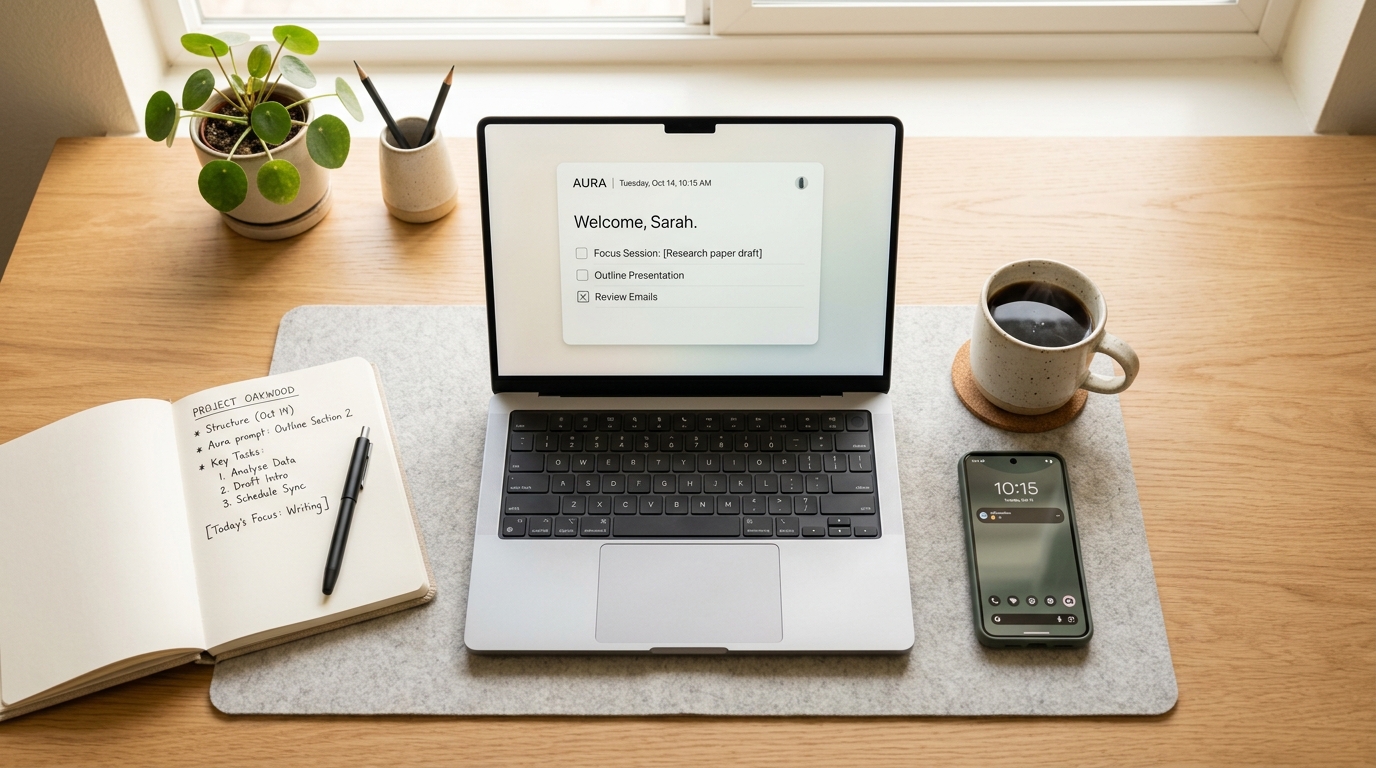
Search “best AI productivity tools” in 2026 and you will almost drown in options. Every calendar, note app, inbox, and browser now has an AI feature bolted on, and each one promises to hand back hours of your week. Yet plenty of people feel busier than ever, toggling between apps that were supposed to make life simpler.
The useful question is no longer whether to use AI. It is which AI productivity tools actually earn their place, and which ones just add cost, clutter, and one more thing to manage. The tools have improved dramatically, but so has the noise around them, and telling the two apart is now a skill worth having. Here is a practical way to do exactly that before you sign up for anything new.
The Real Problem Isn’t Too Few Tools — It’s Too Many
Most productivity struggles in 2026 do not come from a shortage of software. They come from having too much of it. When your tasks live in one app, your notes in another, your calendar in a third, and a separate AI assistant sits inside each, your attention spends the day hopping between them.
That hopping has a measurable price. Research summarized by the American Psychological Association shows that switching between tasks can quietly consume a large share of your productive time and raise your error rate. Adding more AI tools often means more switching, not less. Before a new tool can help you, it first has to overcome the cost of learning it, checking its output, and squeezing it into a day that is already full. Often the biggest gain comes not from adding a tool but from removing two. The aim is a smaller, sharper stack — not a longer one. If a tool does not clearly support you in protecting your focus, it is almost certainly noise.

What “Actually Helps” Looks Like in Practice
A genuinely useful AI tool tends to pass three simple tests. Miss any one of them and you are usually looking at hype rather than help.
It Removes a Real Point of Friction
Good tools attack a specific, recurring annoyance — a blank page, a cluttered inbox, a calendar that never defends time for deep work. They shorten the distance between intention and action instead of quietly adding steps to your day.
It Keeps You in Charge of the Thinking
The best AI works as a thinking partner, not a replacement for your judgment. In Microsoft’s 2026 Work Trend Index, the large majority of AI users said they treat AI output as a starting point rather than a finished answer. A tool that makes decisions for you with no easy way to review them is a liability dressed up as a shortcut.
It Fits the Way You Already Work
If a tool forces you to open a separate app, copy content back and forth, and rebuild your whole routine, the friction will eventually kill the habit. Tools that live inside the software you already use are the ones that tend to stick.
The Tools That Tend to Earn Their Place
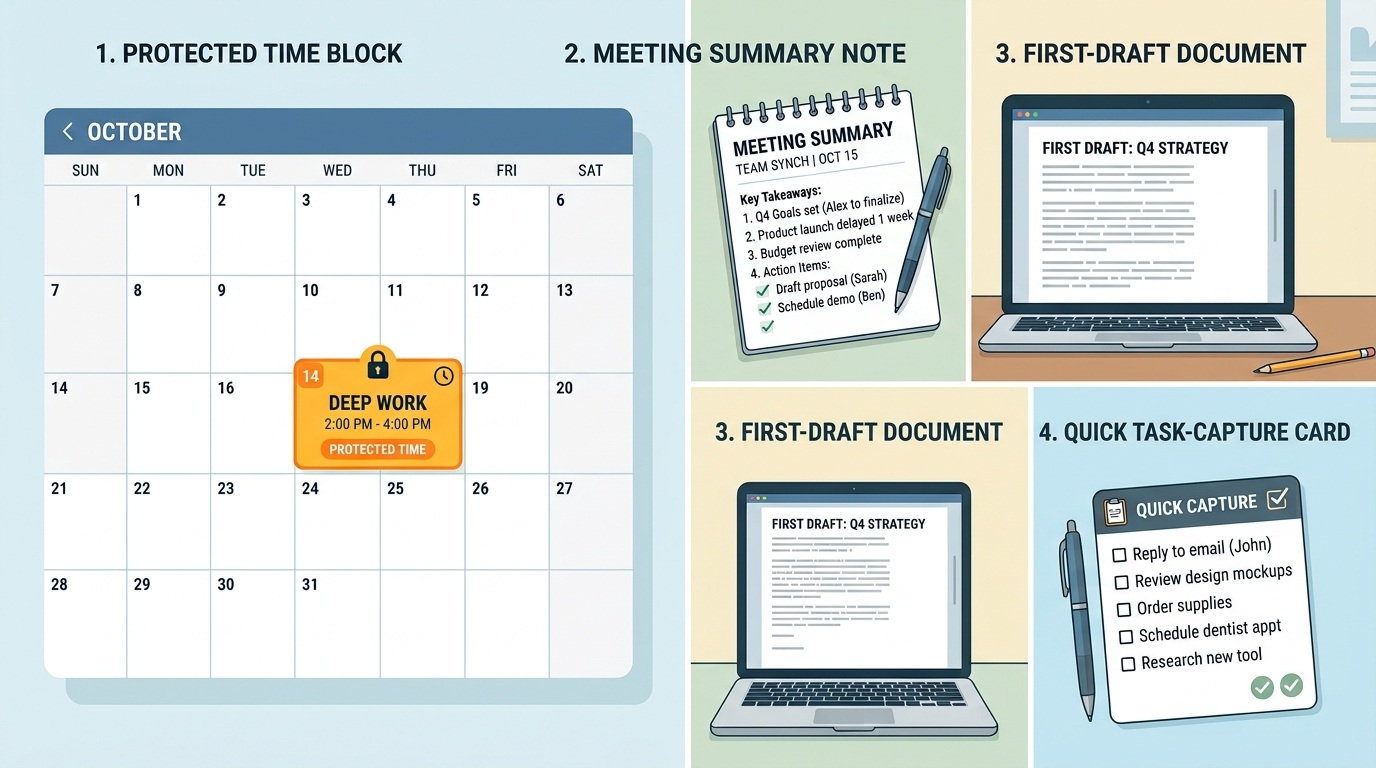
A handful of categories reliably deliver more signal than noise. They are worth a closer look when you do decide to add something new:
Calendar and focus protection. Tools that automatically defend time for deep work, breaks, and recurring priorities help you plan around outcomes instead of reacting to whatever lands in your inbox. This works best alongside clear goal-setting methods.
Meeting capture and summaries. Assistants that transcribe calls and turn them into clean action items save real time, provided you still glance over what actually matters afterward.
Writing and first drafts. AI that produces a rough first version of an email, outline, or report removes the hardest part — starting — while you keep control of the final wording and tone.
Task and idea capture. Tools that let you dump a thought in seconds and sort it later reduce the mental load of trying to remember everything yourself.
The Noise: What to Cut or Never Add
Some tools look impressive in a two-minute demo and quietly drain you in real life. A few warning signs make them easy to spot.
It adds a step instead of removing one. It needs constant babysitting to produce anything useful. It duplicates something you already own. Or, the simplest test of all — you would not notice if it vanished tomorrow.
Adoption is really a habits problem in disguise. Even a powerful tool gets abandoned within a few weeks when it is not tied to a daily trigger, which is why treating tool adoption as part of building lasting habits matters more than any feature list. If a tool cannot survive two ordinary weeks inside your normal routine, it was never the right tool for you.

A Simple Way to Choose in 2026
You do not need a complicated system to cut through the marketing. A short, honest audit does the job.
First, list the tools you already use and the single task each one is meant to help with. You will often find overlap you had forgotten about. Second, identify your biggest daily friction point — the thing that reliably slows you down or drains your energy. Third, trial one AI tool aimed at that exact problem for two weeks, and add nothing else during that window. Depth beats breadth here; one tool used daily will always outperform five you only dabble with. When the two weeks are up, keep the tool only if you would genuinely miss it.
This keeps your attention on fewer, better tools rather than on collecting features you will never fully use. It also protects the thing that actually drives results — your focus, not your app count.
The Bottom Line
In 2026, the smartest move is not adopting every shiny new AI feature. It is being deliberate about the few tools that remove real friction, respect your judgment, and fit naturally into your day. Fewer, well-chosen tools beat a crowded dashboard every time. Choose them with intention, measure them by real progress rather than novelty, and let everything else go. The tools are only ever useful when they serve a clear process and protected attention — and that part still belongs to you.